
Any friction around the extruder can cause your prints to shift slightly. If you're experiencing this issue with your printer, you can try adding lubricant on the top and sides of the plastic beam pictured below. After applying lubricant, slide the extruder back and forth to spread out the lubricant and make sure it is reducing the friction. You can use any general household lubricant, such as WD-40.
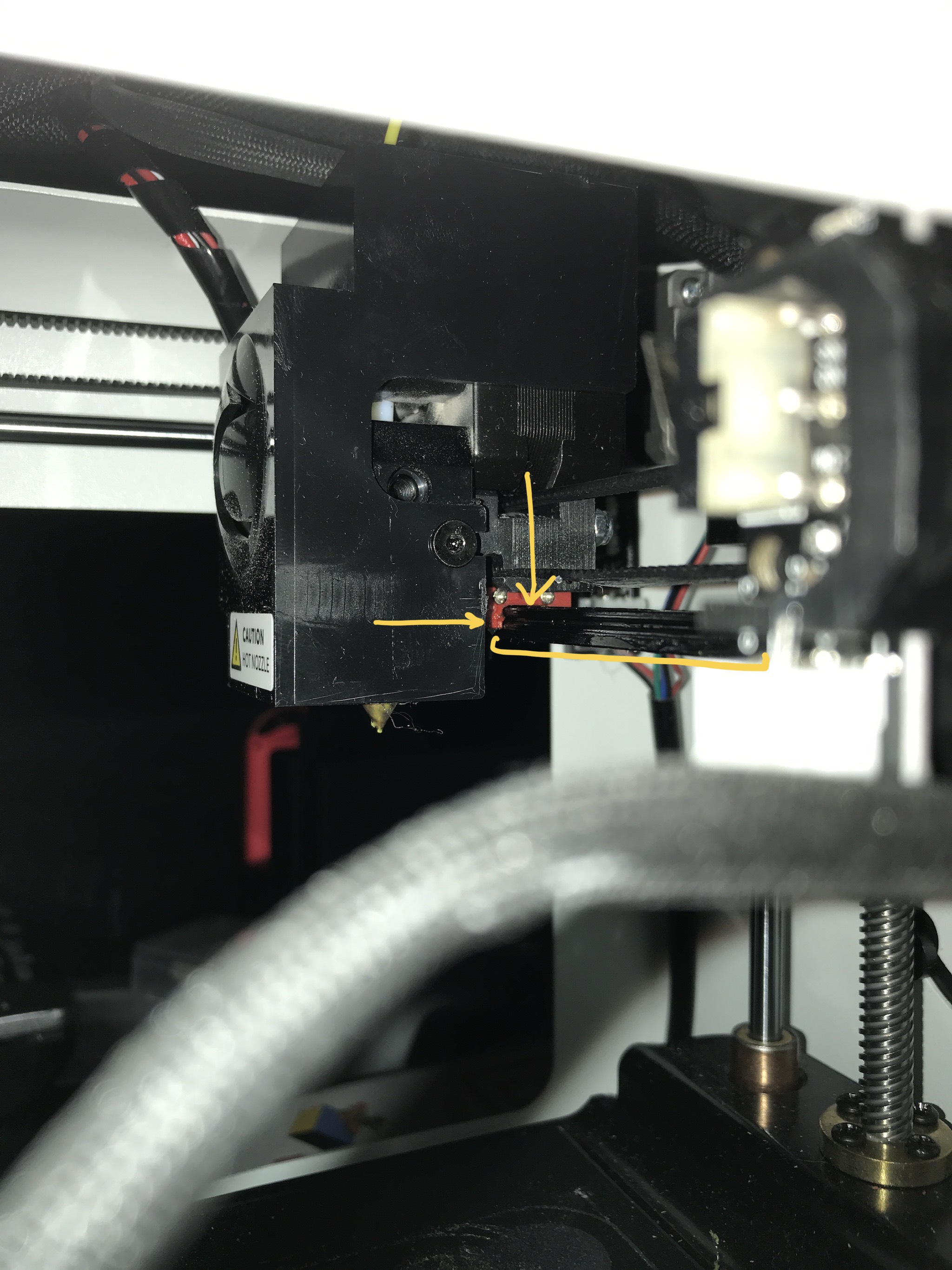

If you're looking for more tips on resolving shifting issues, you can check out this article: My prints are shifting
If you have any questions at all, please reach out to us at support@toybox.com and we'll help you from there!
Comments
0 comments
Please sign in to leave a comment.